Calera High School

Calera High School


Weekly Flight

Sept. 28-Oct. 3  "THE NEST"


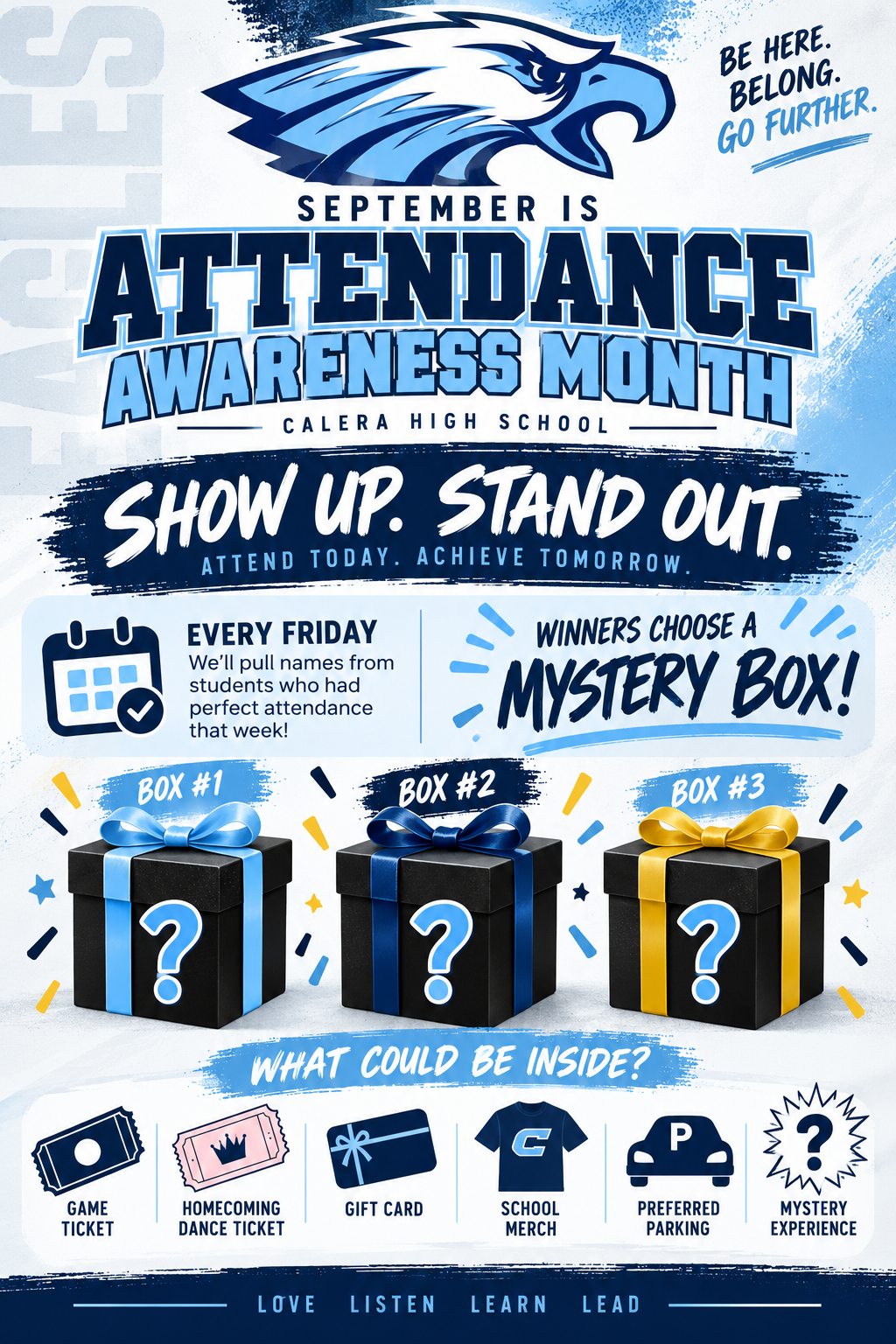
Attendance

Please make sure that your child is at school daily.  See the link below in regards to truancy and the law in Alabama: Truancy.


THIS WEEK!

MONDAY

CHEER--Practice in Cafeteria 2:30-5 PM

FALL PLAY PRACTICE-- 3:20-5:20 PM

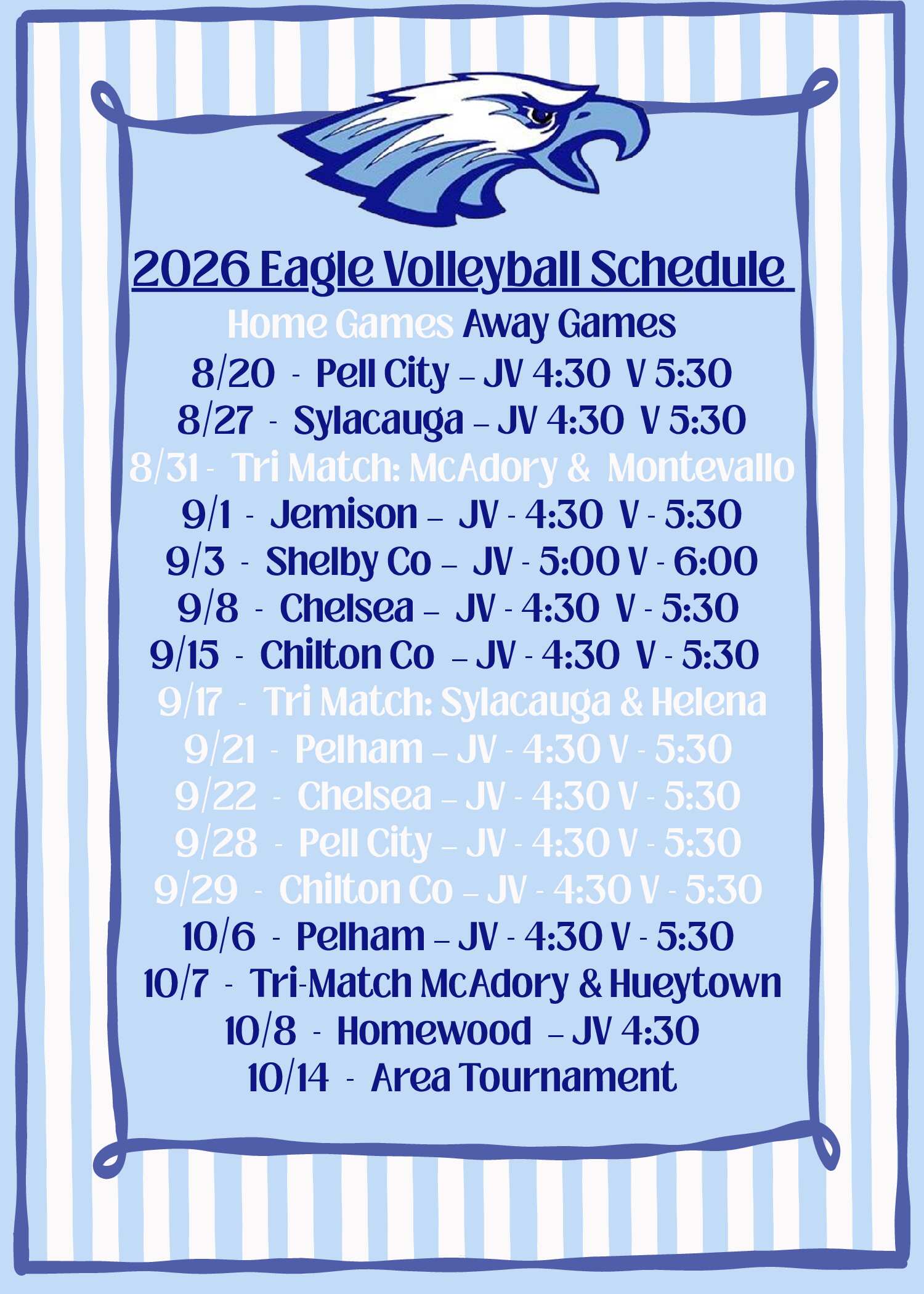
VOLLEYBALL v Pell City (JV,V) @ 6 PM

JV FOOTBALL v McAdory @ 6 PM

TUESDAY

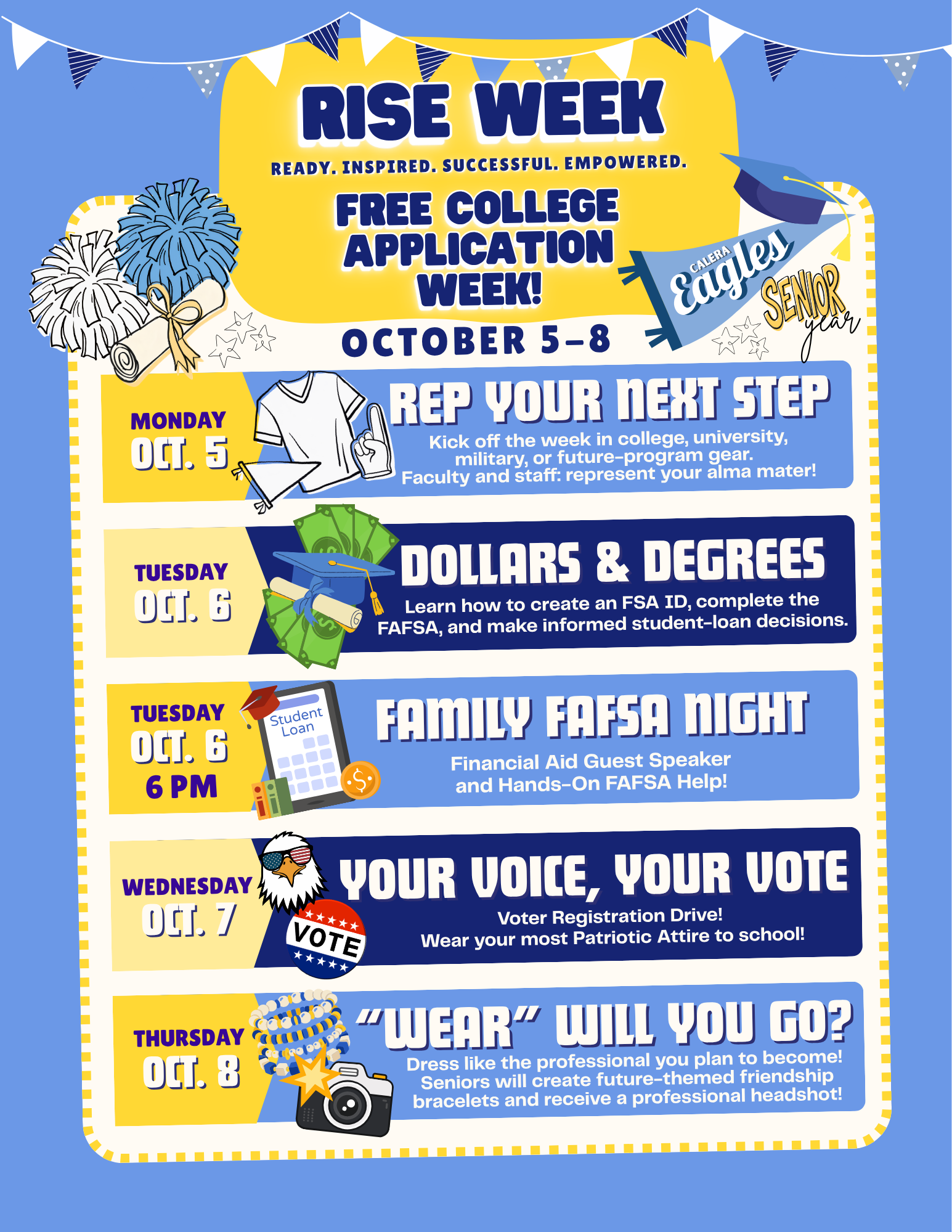
COLLEGE Visit-Lawson State during Soar (Seniors Only-See email from Mr. Preston)

COLLEGE Visit-Universal Tech Institute during Lunch

CHEER--Practice in Cafeteria 2:30-5 PM

FALL PLAY PRACTICE-- 3:20-5:20 PM

VOLLEYBALL v Chilton County (JV/V) @ 4:30 PM SENIOR NIGHT

WEDNESDAY

COLLEGE Visit-Troy during Soar (Seniors Only-See email from Mr. Preston)

NAVY Visit-Recruiter available during Lunch

FALL PLAY PRACTICE-- 3:20-5:20 PM

VOLLEYBALL @ Homewood (V) @ 4:30 PM

THURSDAY

CHEER--Practice in Cafeteria 2:30-5 PM

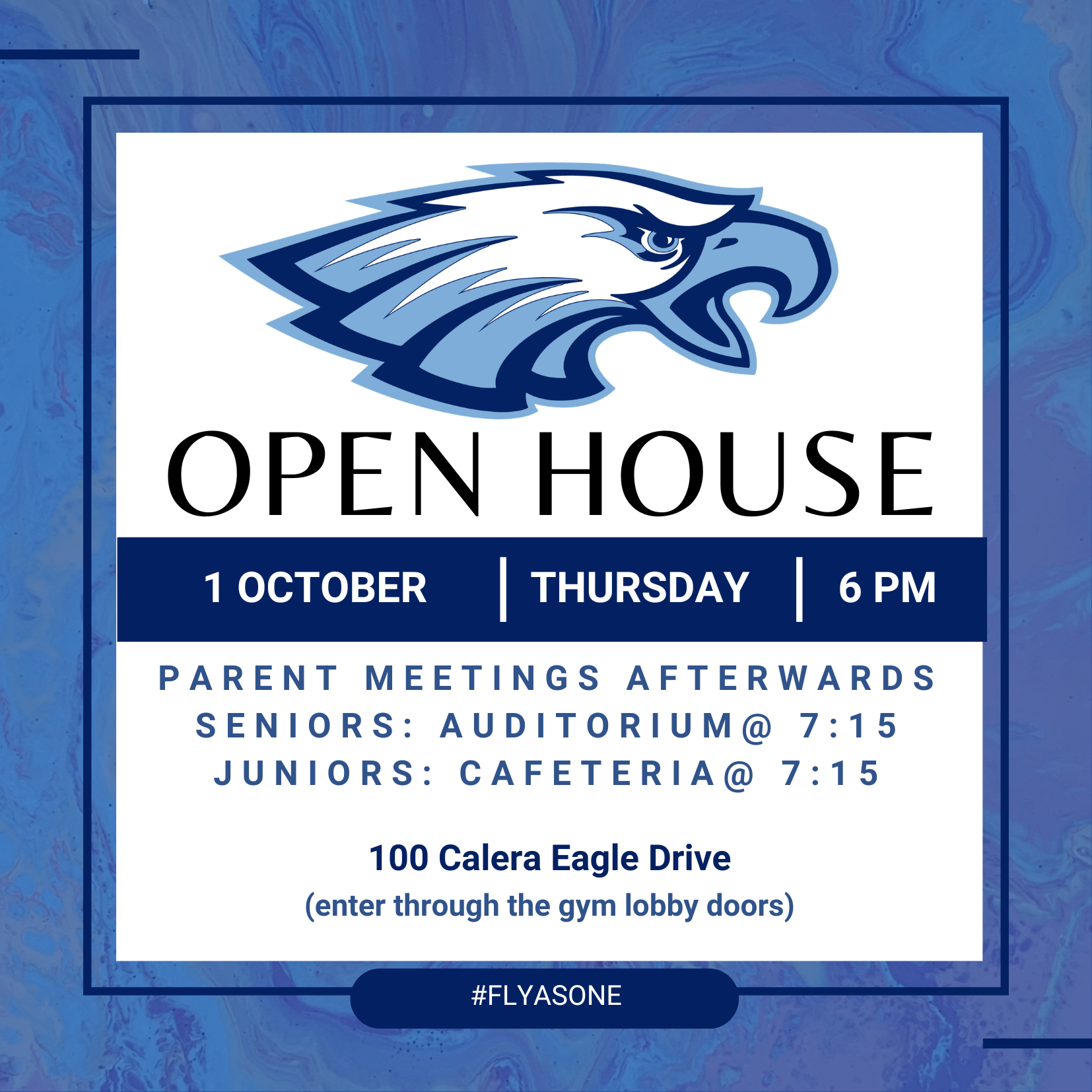
OPEN HOUSE @ 6 PM

FRIDAY

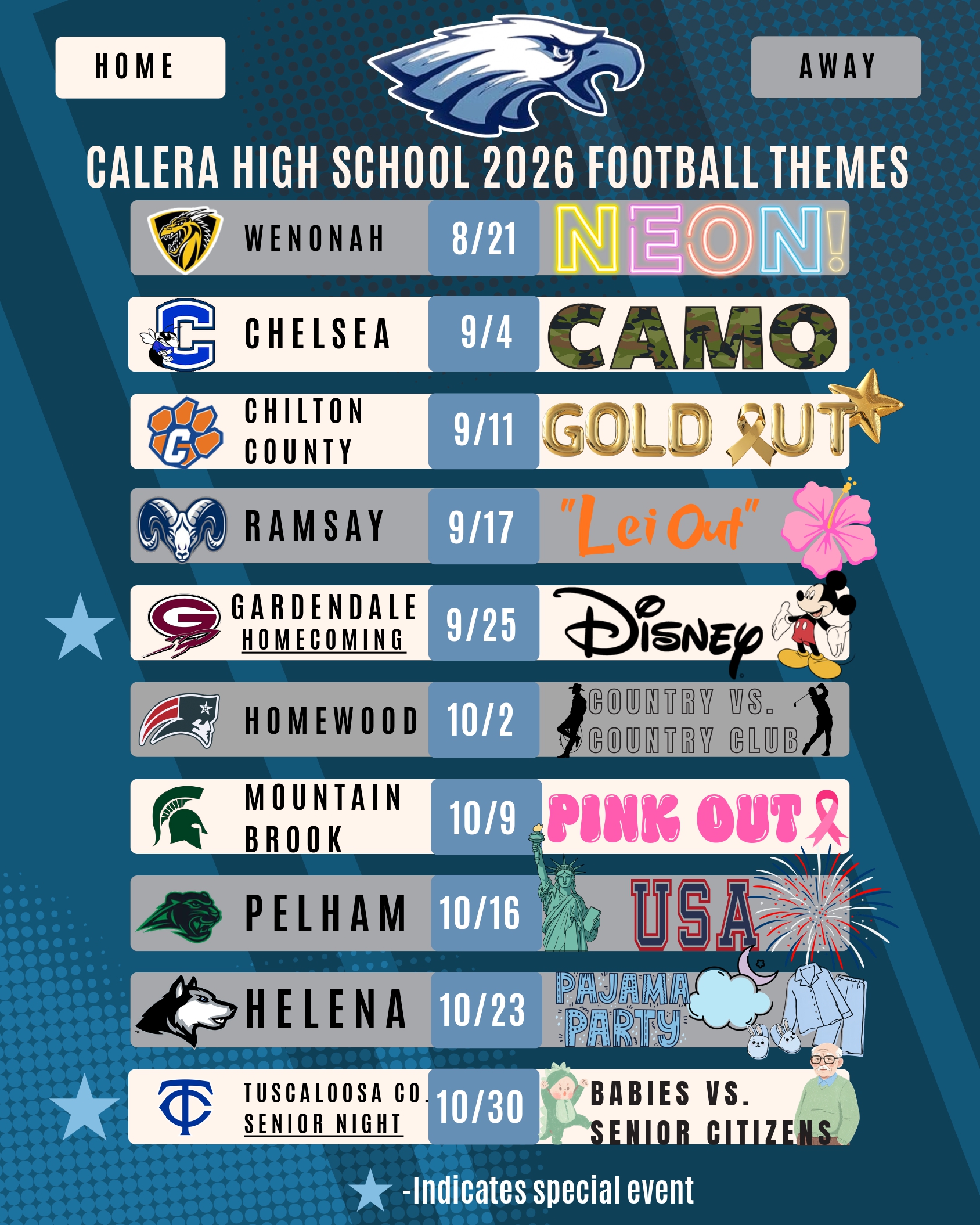
Country v Country Club

FOOTBALL @ Homewood @ 7 PM

SATURDAY

CHEER--Practice in Cafeteria 9 AM-12 PM

BAND CONTEST


THIS WEEK!!


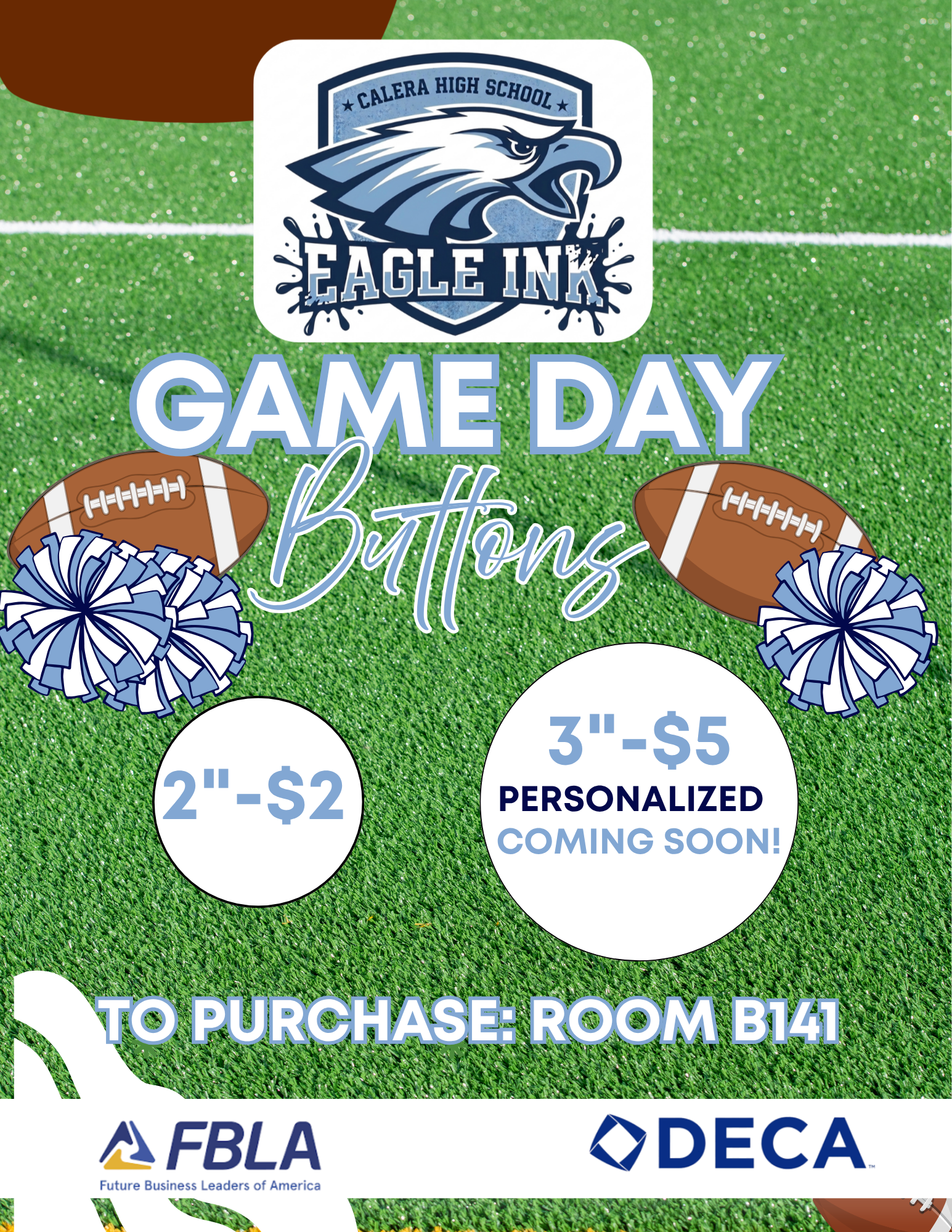
GAME DAY BUTTONS

Game day buttons will be sold before school next to Mrs. Cox's room.  $2 each.  


ATTN SENIORS and PARENTS


Help us spread the news!


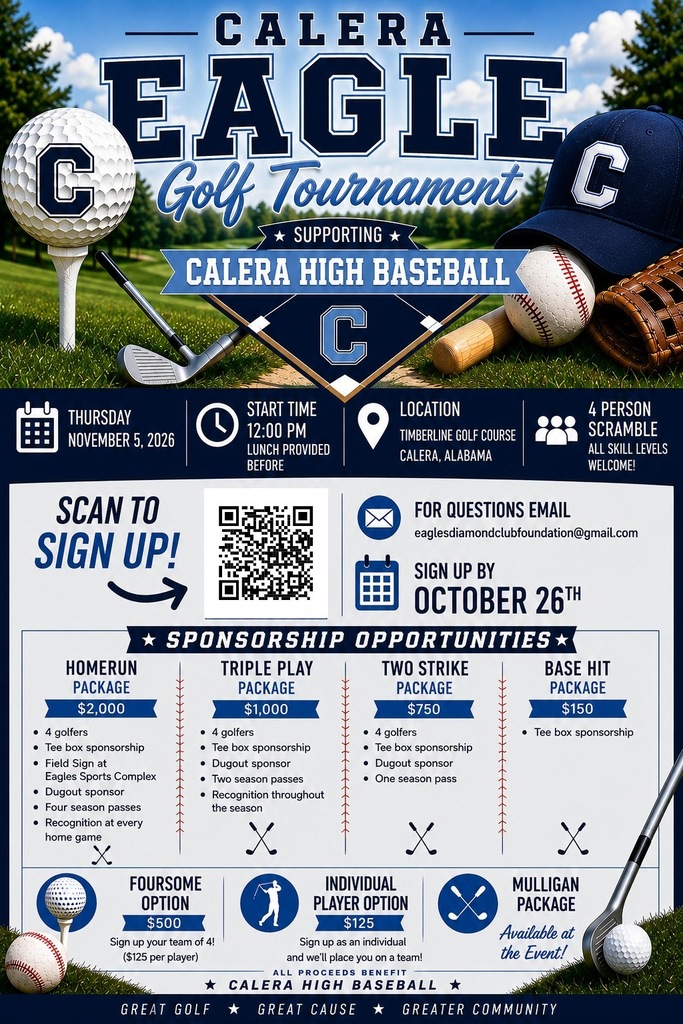
Golf Tournament Supporting Baseball

STUDENT DRIVERS

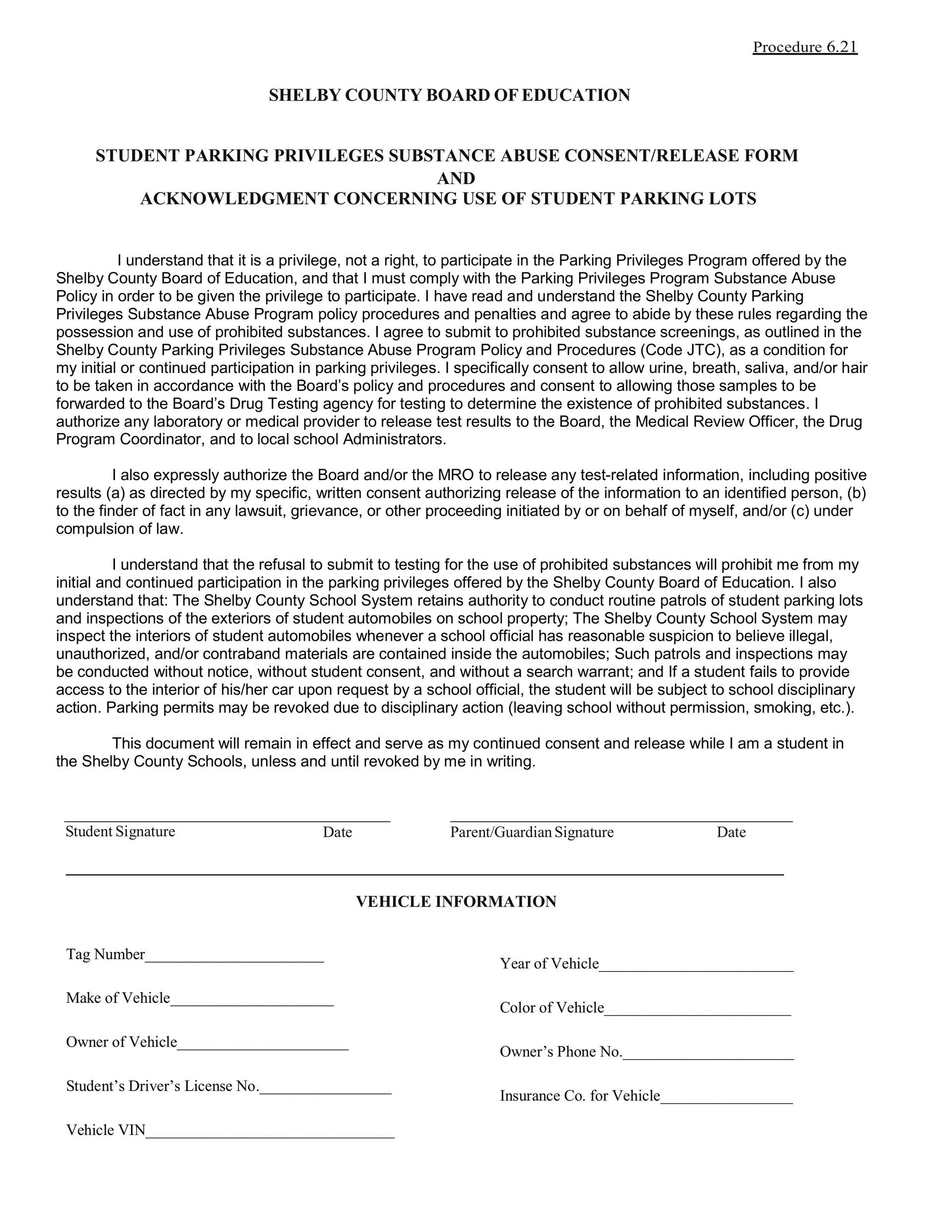
Students are NOT allowed to drive to school without a parking pass (this includes overflow parking).  In order to get a pass, the following must be completed: 

1.  Student must have the attached Student Parking 2026-2027 Form filled out and ready to upload.

2.  Student must have digital copy of proof of insurance ready to upload

3.  Student must have a digital copy of their Driver's License.

4.  Using the digital items listed above, students must complete the Google Form: https://docs.google.com/forms/d/e/1FAIpQLSe_i_jmP84Oj6Td3nOW0dQgOLNUWKRiJsBjGtPK3SXTZl5K7A/viewform

5.  Students must pay for the parking pass ($50)  -Payments can be made at the front office or online via MySchoolBucks.


Other Important Information

Class Fees: Class fees will have an invoice generated in MySchoolBucks which will be emailed the week of Labor Day (Sept. 7) to the primary contact in PowerSchool.  This email will contain a link for payment.  If a class fee was paid with cash or check prior to the invoice being generated, it will be on the invoice initially and credited within a week of the invoice being emailed.

Excuses:  Excuses must be submitted via email (scboe-cahs@shelbyed.org) within 3 days of an absence.

Tardies to School: Alabama law requires parents to make sure that their children go to school.  This includes arriving to school on time.  Once a student acquires 10 unexcused tardies to school he or she will be referred to Early Warning Court. 

Check-out policy: Checkouts are to be handled in person only.  Checkout requests by email, phone, or handwritten notes will not be accepted or granted.  Students may be checked out one of two ways:

Traditional checkout:  The person checking out a student must enter the building through the front office and sign them out.  Photo ID will be required, and said person must be on the students checkout list, which was provided by the parent/guardian during registration.  (This has to be completed/updated each year)  Such checkouts cannot occur after 2:30.  

Pre-checkout:  The person checking out a student must enter the building through the front office, and sign the student out ahead of time for a future specified date and time (no more than a couple of days ahead).  This allows parents/guardians to pre-checkout their students before school, or even days before, for appointments that come at a later time when the parent/guardian is unavailable to be present in person at the time of checkout.   Photo ID is required, and they must be on the approved checkout list for that student, which was provided by the parent/guardian during registration.

We thank you for your cooperation and support as we continue to utilize and enforce the best protocols, to ensure the safety and education of our students. 

Drop Off Items: Calera High does NOT accept drop off items for students from parents/family/friends, etc in the front office.  Please make sure you student has everything needed for the school day and for any after school events before he or she leaves for school in the morning.

Morning Drop-offs/Bus riders/Drivers: The front door to the school will not open until 7:15 a.m. for carriders.  At that point, the student must enter the building and go to the cafeteria for breakfast or the gym Bus riders:  Must also either report to the cafeteria for breakfast or the gym. Students will be released at 7:35 am to class.  The tardy bell will ring at 7:45.  Students not in class will report to the front office to check in.

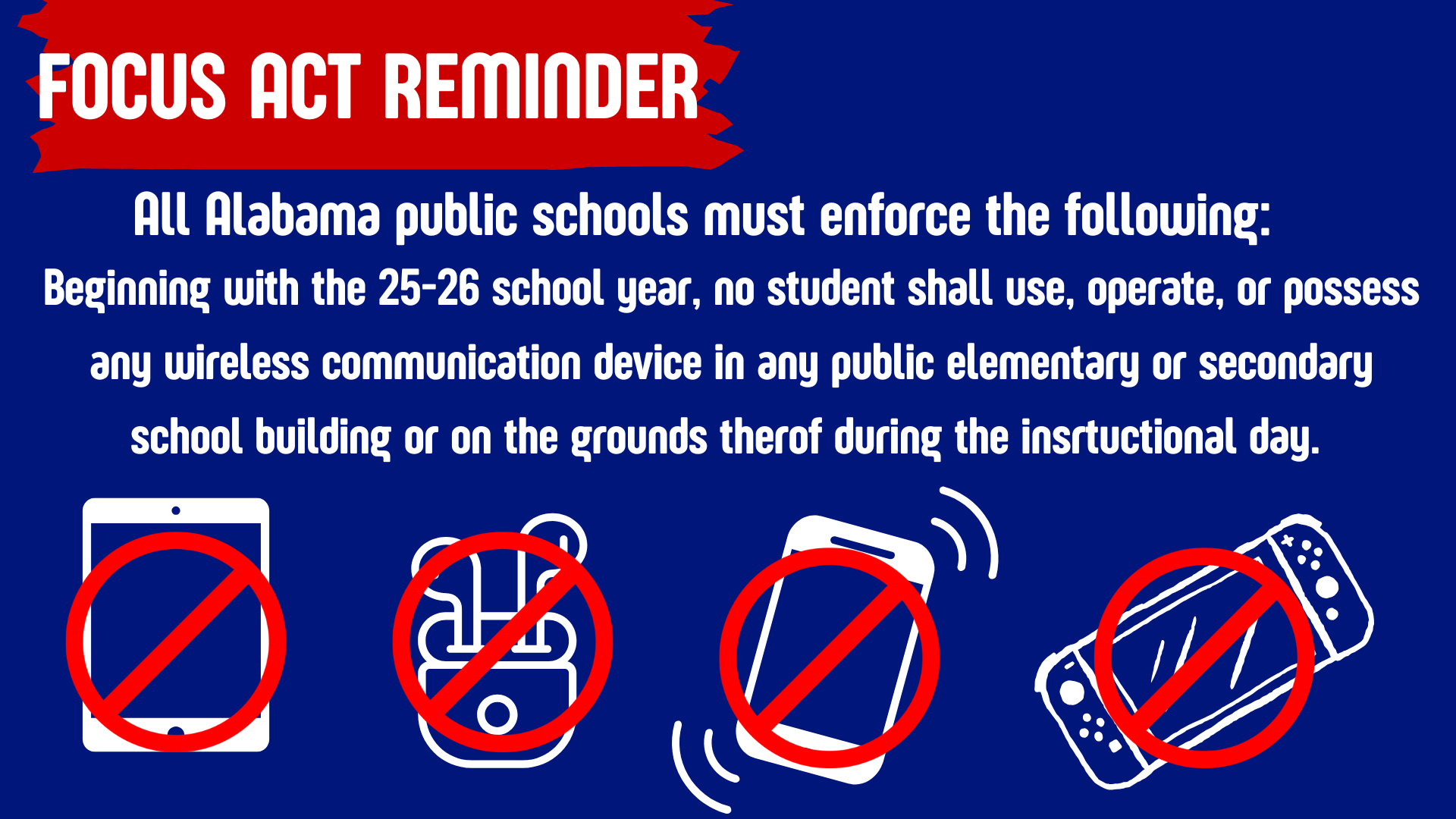
Cellphones: According to the FOCUS ACT, students are not allowed to have cell phones, smart watches, headphones, earbuds, and Meta glasses during the school day.  They should be stored in their locker or left in their vehicle.
 

Proof of Enrollment

If you are needing Proof of Enrollment to take to the DMV (permits, licenses, etc) you will need to have the student complete the Proof of Enrollment request on their Student Hub page.   Students will need to complete this request ATLEAST 3 days in advance, in order for our office to have adequate time to comply with the recent changes required by the DMV.


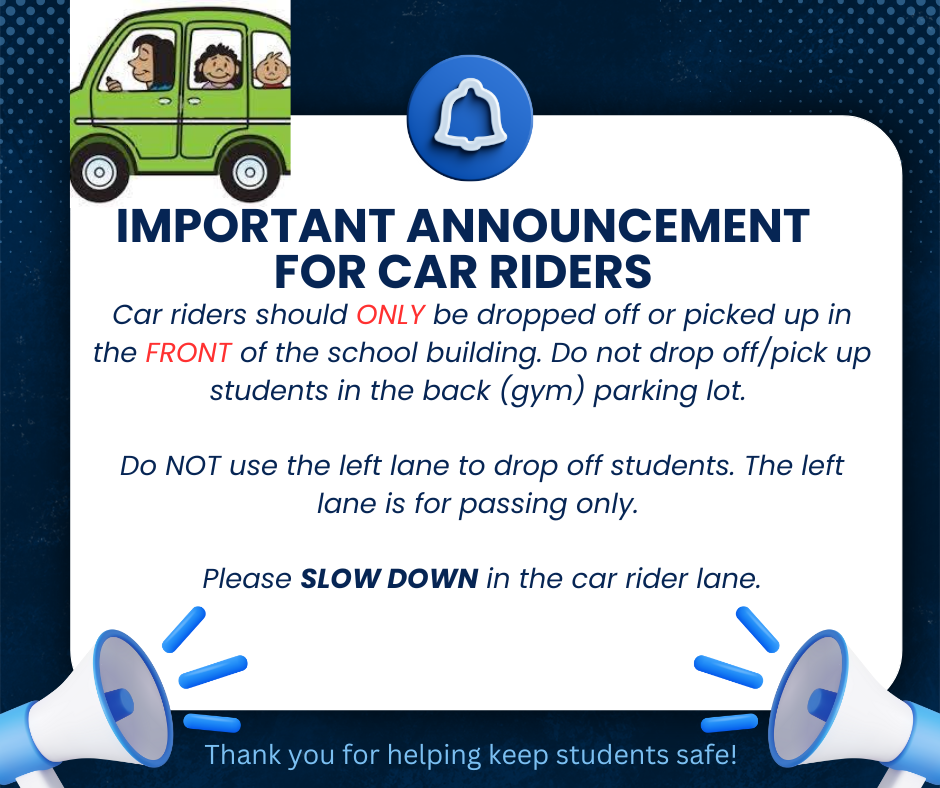
Parents:  Please do NOT drop off or pick up your student from the Student Parking lot.

 
Car riders
 

Rooms

Shelby County Schools has implemented Rooms, a new two-way communication and messaging tool that integrates directly with the Shelby County Schools app, for all communication needs this upcoming school year.

Click the video link to see why Kylee Mitchell, an employee AND parent, in our school district loves Rooms!

Actions Required by Parents/Guardians:

Parents and Guardians: You will receive an email invitation and/or text to set up an account. If you set up an account during the previous school year you will not need to do this again.

1). Complete the setup of your Rooms account via email or text invitation if you haven’t already done so.

2). Download the SCS App via App Store or Google Play. Parents and students can also use the desktop version at https://www.edurooms.com/ if they prefer instead of the app.

3). Enable notifications in the app or via email in account settings.

If you have not received an invitation, try the following:

* Your account may already be active. Try navigating to https://www.edurooms.com/ and login.

* Be sure to check your spam folder. Guardian email invitations will show from sender “accounts@edurooms.com” or “accounts@thrillshare.com”.

* Reach out to your student’s registrar to confirm contact information. Invitations are sent to the guardian contact information provided during registration.

* Some classes may not be visible to students and parents in Rooms until on or after the first day of school.

* You may visit https://www.shelbyed.k12.al.us/page/rooms-support for password reset, submit trouble ticket, FAQs, and other helpful information.

https://youtu.be/NxkekESeyPo?si=wmevla2xETwCj3C7