Calera High School

Calera High School


Weekly Flight

Feb. 16-21 at "THE NEST"


Attendance

Please continue to ensure that your student is at school and on time.  Please see the link below in regards to truancy and the law in Alabama: Truancy

Academic Saturday School

Academic Saturday School will be held Saturday, Feb. 21 from 8 AM-12 PM.  Students who have missing assignments/tests in classes are required to attend.

Soccer

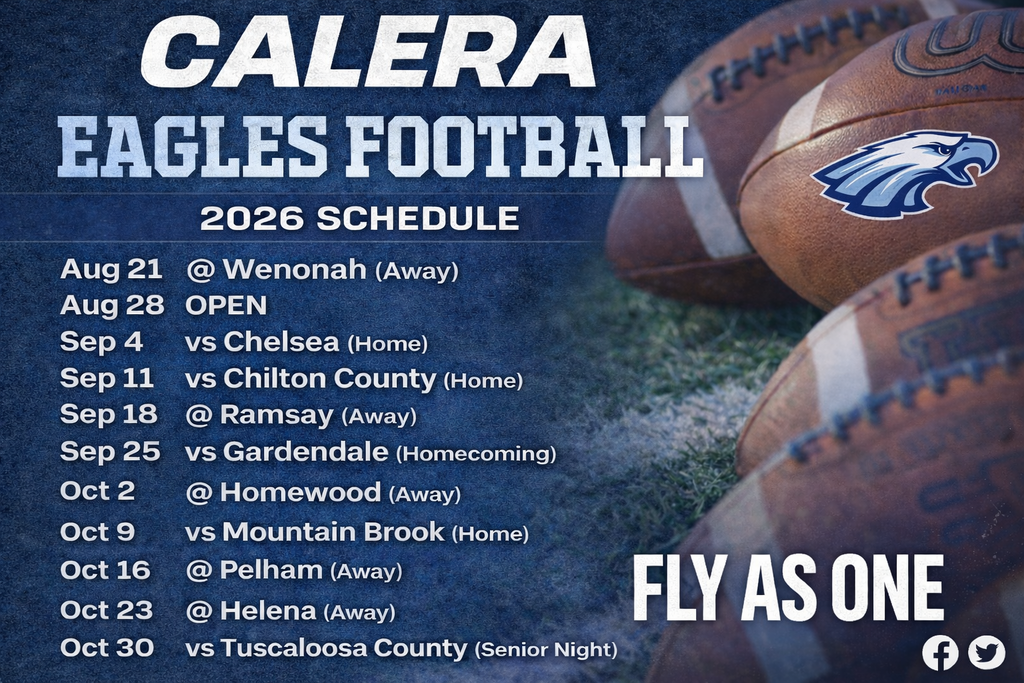
Tuesday, Feb. 17, CHS (JVB/VB)  v Vestavia @ 5:30 PM

Wednesday, Feb 18 CHS (VG/VB)  v. Smith Station @ 5:30 PM

Thursday, Feb. 19 CHS (VG/VB) @ Mortimer Jordan @ 5 PM

Friday, Feb. 20-Saturday, Feb. 21 (VG) Lakeshore Tournament

Saturday, Feb. 21, CHS (VB) v. Pelham @ 7 PM

Winterguard

Saturday, Feb. 21 CHS @ Bob Jones High School

Band

Tuesday, Feb. 17 MPA Practice 3-4:30 PM.

Saturday, Feb. 21 Concert Band Camp 9 AM-4 PM

Basketball

SWEET 16

Thursday, Feb. 19 CHS Girls Basketball @ 3 PM v Chelsea @ Alabama State University. 

Thursday, Feb. 19 CHS Boys Basketball @ 4:30 PM v Pelham @ Alabama State University. 

Baseball

Thursday, Feb 19, CHS @ Vestavia V @ 4 PM; JV @ 6:30 PM

Softball

Saturday, Feb. 21 CHS @ Prattville Tournament


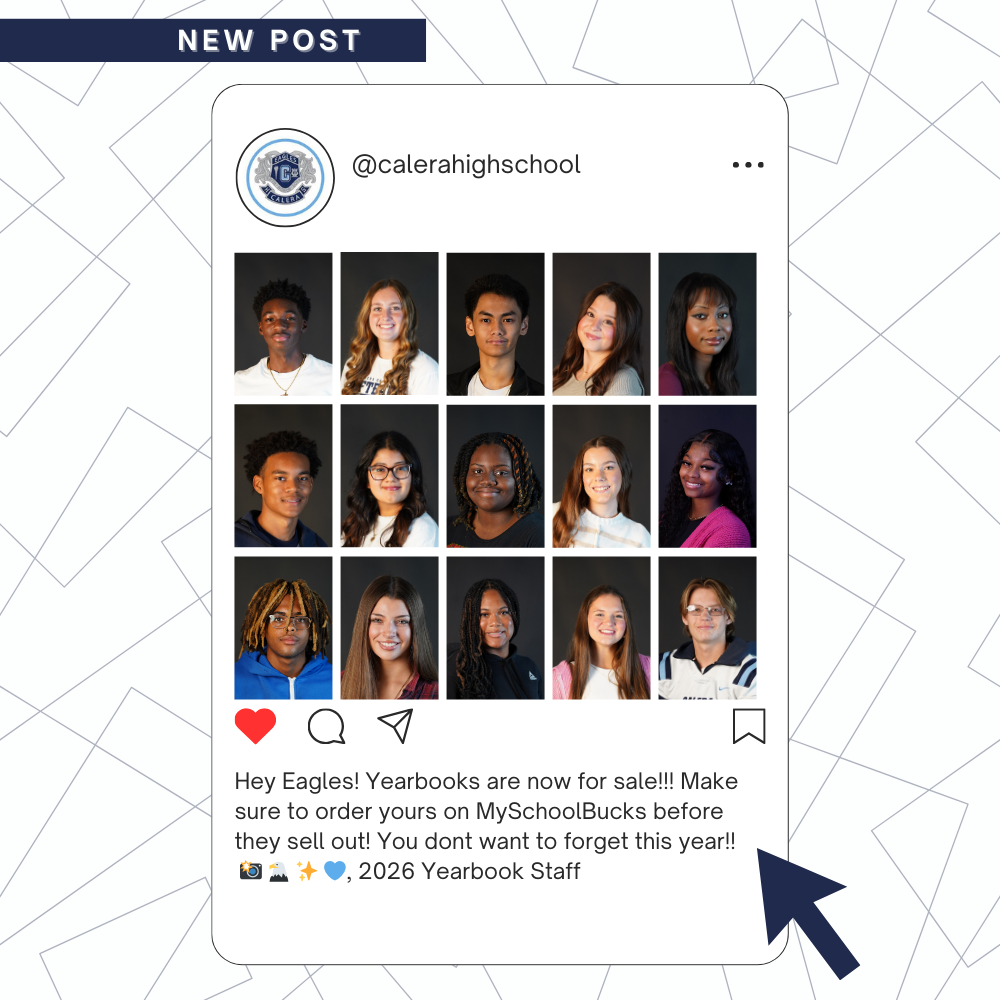
YEARBOOKS ON SALE!!

Order your 2026 yearbook today! 🌐 Online through MySchoolBucks, or ✏️ In-person through Mrs. Green. Don't wait!


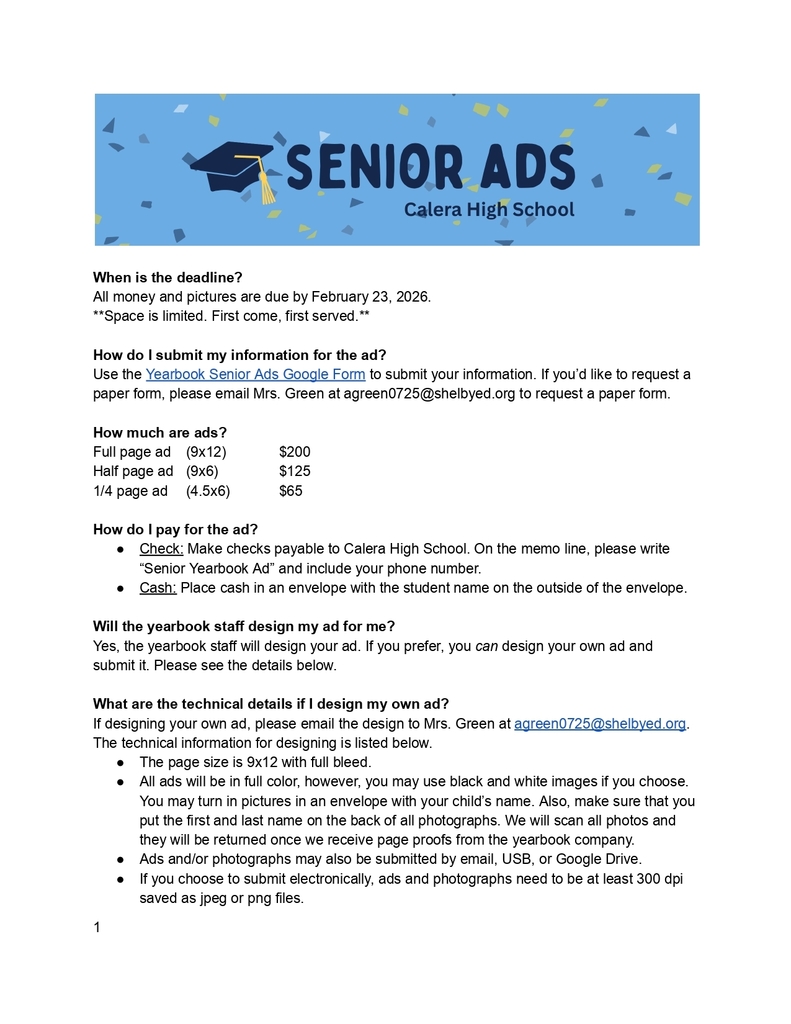
Senior Yearbook Ad Deadline Feb. 23


DRIVING TO SCHOOL

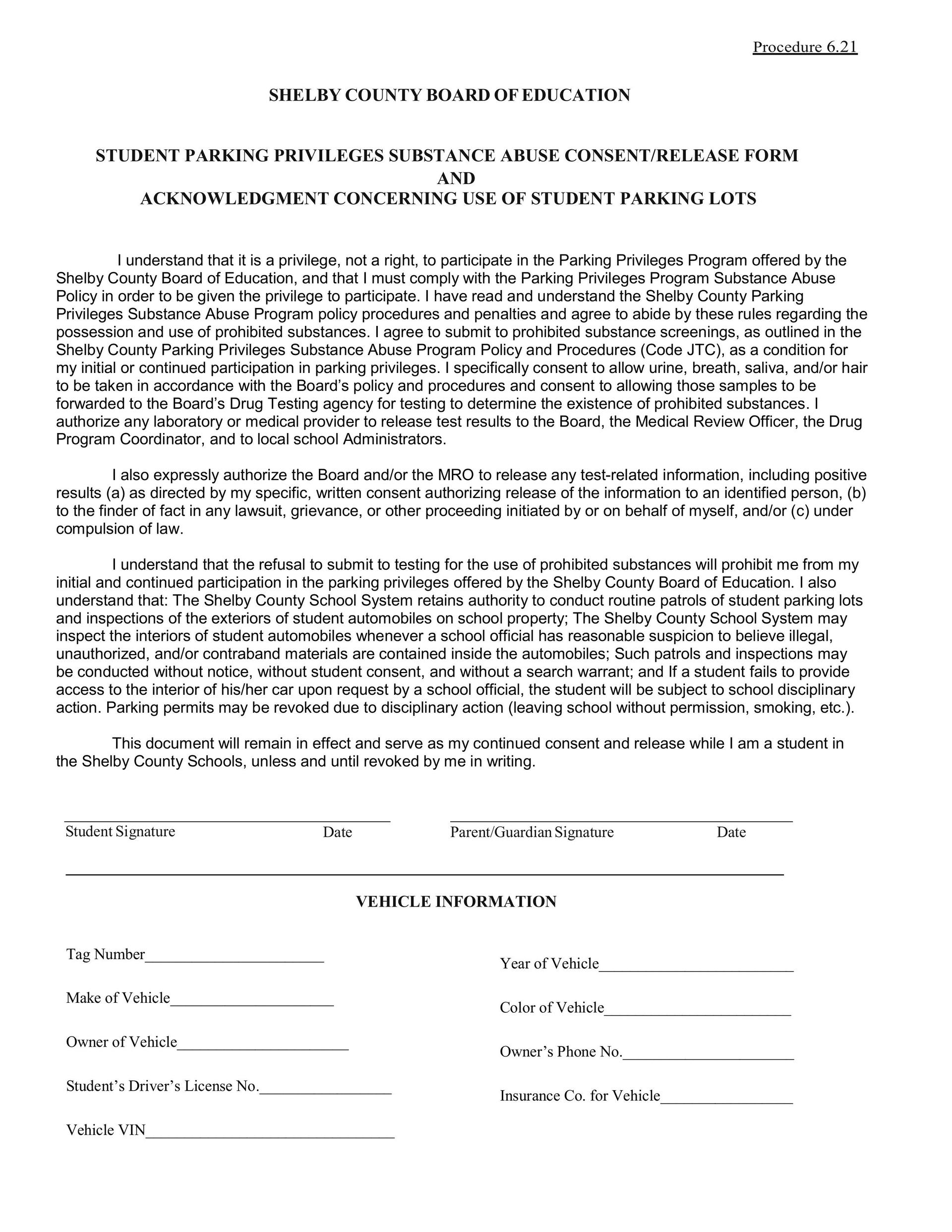
Students are NOT allowed to drive to school without a parking pass.  In order to get a pass, the following must be completed: 

1.  Student must have the attached Student Parking 2025-2026 Form filled out and ready to upload.

2.  Student must have digital copy of proof of insurance ready to upload

3.  Student must have a digital copy of their Driver's License.

4.  Using the digital items listed above, students must complete the Google Form: https://forms.gle/hxtfrw4RRfvZnZjo9 

5.  Students must pay for the parking pass ($50)  -Payments can be made at the front office or online via MySchoolBucks (bit.ly/cahsregistration)

Prom Tickets are now on sale!

Cheer Tryouts and Mascot Tryouts are right around the corner!


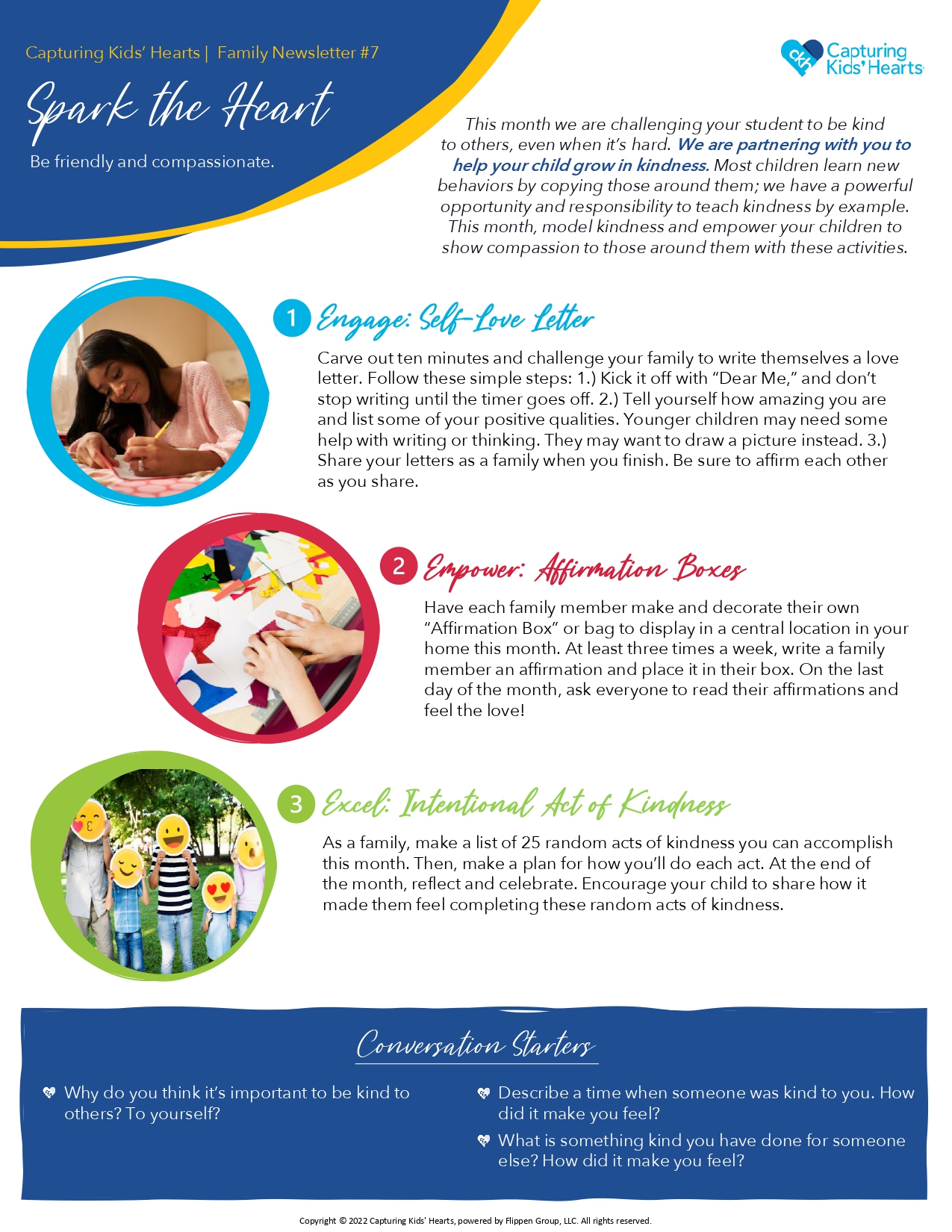
Capturing Kids' Hearts Word of the Month:  Kindness


Other Important Information

Class Fees: Class Fees can be paid online, by teacher last name.  Follow the link: bit.ly/cahsclassfees

Check-out policy: Checkouts are to be handled in person only.  Checkout requests by email, phone, or handwritten notes will not be accepted or granted.  Students may be checked out one of two ways:

Traditional checkout:  The person checking out a student must enter the building through the front office and sign them out.  Photo ID will be required, and said person must be on the students checkout list, which was provided by the parent/guardian during registration.  (This has to be completed/updated each year)  Such checkouts cannot occur after 2:30.  

Pre-checkout:  The person checking out a student must enter the building through the front office, and sign the student out ahead of time for a future specified date and time (no more than a couple of days ahead).  This allows parents/guardians to pre-checkout their students before school, or even days before, for appointments that come at a later time when the parent/guardian is unavailable to be present in person at the time of checkout.   Photo ID is required, and they must be on the approved checkout list for that student, which was provided by the parent/guardian during registration.

We thank you for your cooperation and support as we continue to utilize and enforce the best protocols, to ensure the safety and education of our students. 

Drop Off Items: Calera High does NOT accept drop off items for students from parents/family/friends, etc in the front office.  Please make sure you student has everything needed for the school day and for any after school events before he or she leaves for school in the morning.
Morning Drop-offs/Bus riders/Drivers: The front door to the school will not open until 7:15 a.m. for carriders.  At that point, the student must enter the building and go to the cafeteria for breakfast or the gym Bus riders:  Must also either report to the cafeteria for breakfast or the gym. Students will be released at 7:35 am to class.  The tardy bell will ring at 7:45.  Students not in class will report to the front office to check in.

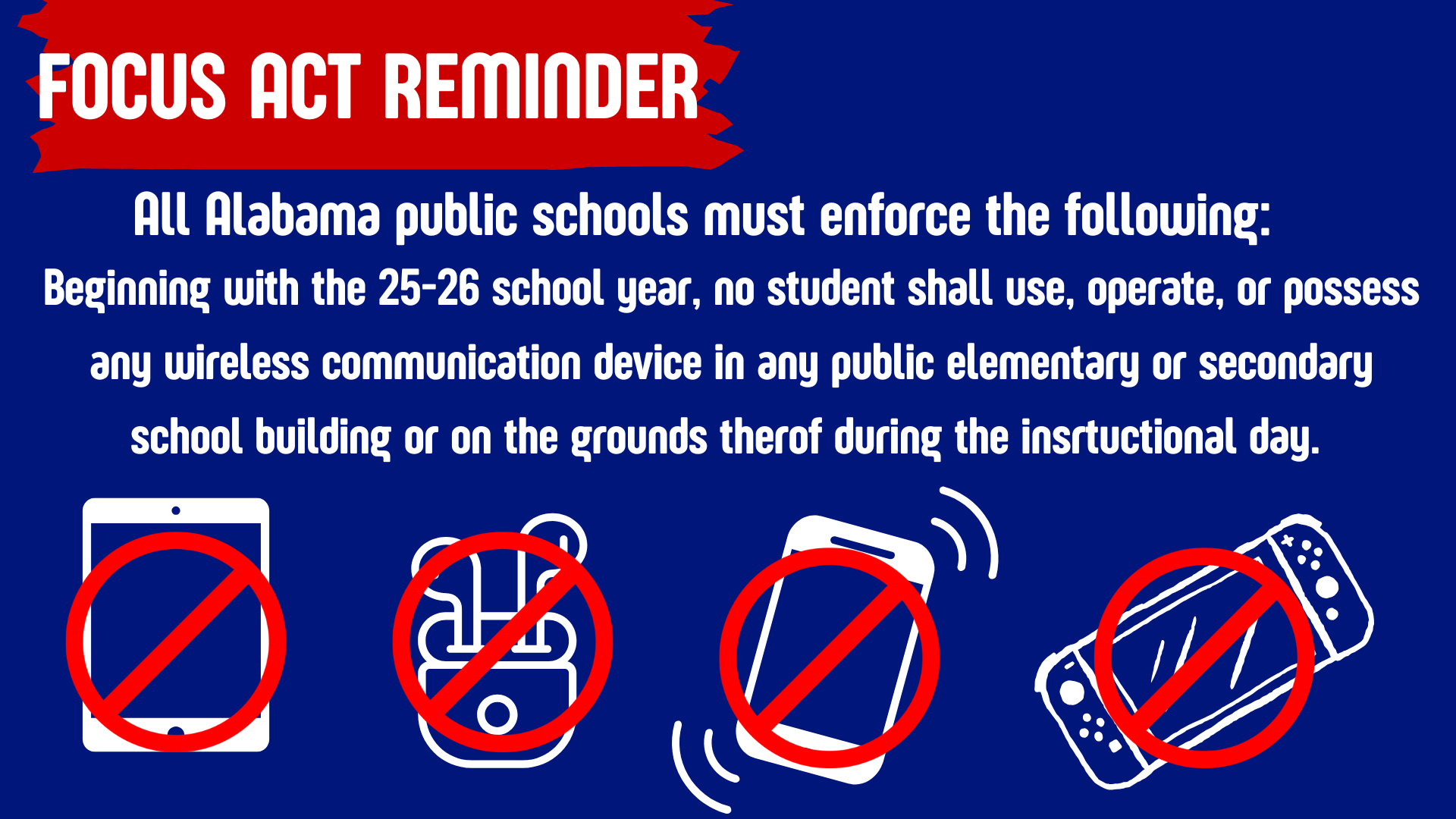
Cellphones: According to the FOCUS ACT, students are not allowed to have cell phones, smart watches, headphones, earbuds, and Meta glasses during the school day.  They should be stored in their locker or left in their vehicle.

 

Proof of Enrollment

If you are needing Proof of Enrollment to take to the DMV (permits, licenses, etc) you will need to have the student complete the Proof of Enrollment request on their Student Hubs page.   Students will need to complete this request ATLEAST 3 days in advance, in order for our office to have adequate time to comply with the recent changes required by the DMV.


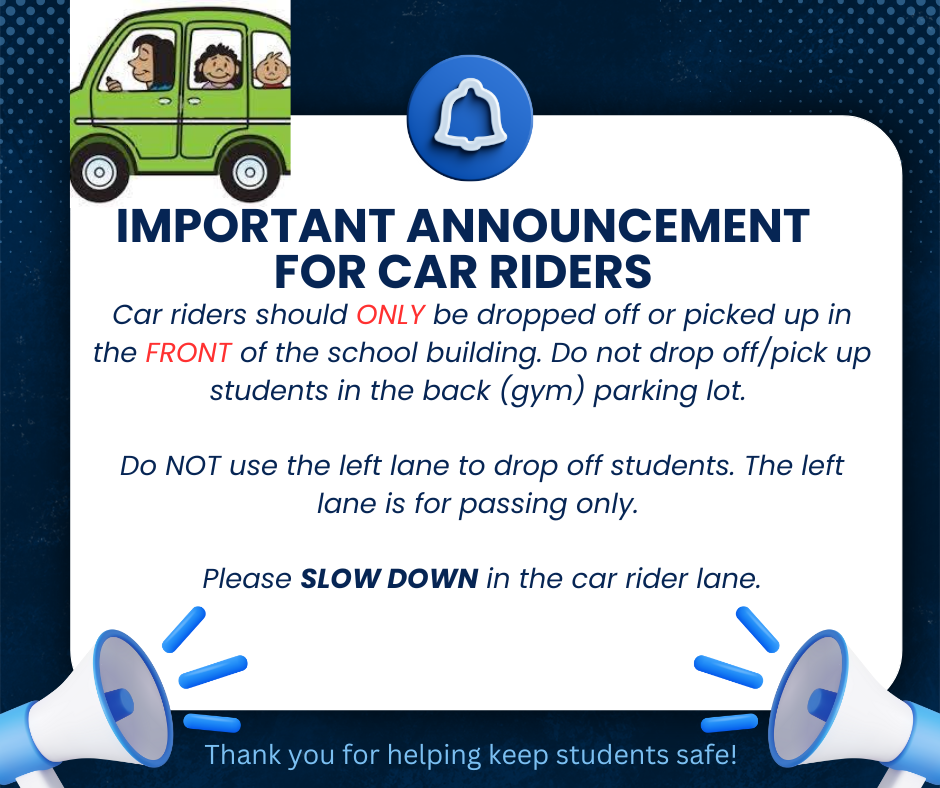
Parents:  Please do NOT drop off or pick up your student from the Student Parking lot.

 
Car riders
 

Rooms

Shelby County Schools has implemented Rooms, a new two-way communication and messaging tool that integrates directly with the Shelby County Schools app, for all communication needs this upcoming school year.

Click the video link to see why Kylee Mitchell, an employee AND parent, in our school district loves Rooms!

Actions Required by Parents/Guardians:

Parents and Guardians: You will receive an email invitation and/or text to set up an account. If you set up an account during the previous school year you will not need to do this again.

1). Complete the setup of your Rooms account via email or text invitation if you haven’t already done so.

2). Download the SCS App via App Store or Google Play. Parents and students can also use the desktop version at https://www.edurooms.com/ if they prefer instead of the app.

3). Enable notifications in the app or via email in account settings.

If you have not received an invitation, try the following:

* Your account may already be active. Try navigating to https://www.edurooms.com/ and login.

* Be sure to check your spam folder. Guardian email invitations will show from sender “accounts@edurooms.com” or “accounts@thrillshare.com”.

* Reach out to your student’s registrar to confirm contact information. Invitations are sent to the guardian contact information provided during registration.

* Some classes may not be visible to students and parents in Rooms until on or after the first day of school.

* You may visit https://www.shelbyed.k12.al.us/page/rooms-support for password reset, submit trouble ticket, FAQs, and other helpful information.

https://youtu.be/NxkekESeyPo?si=wmevla2xETwCj3C7